
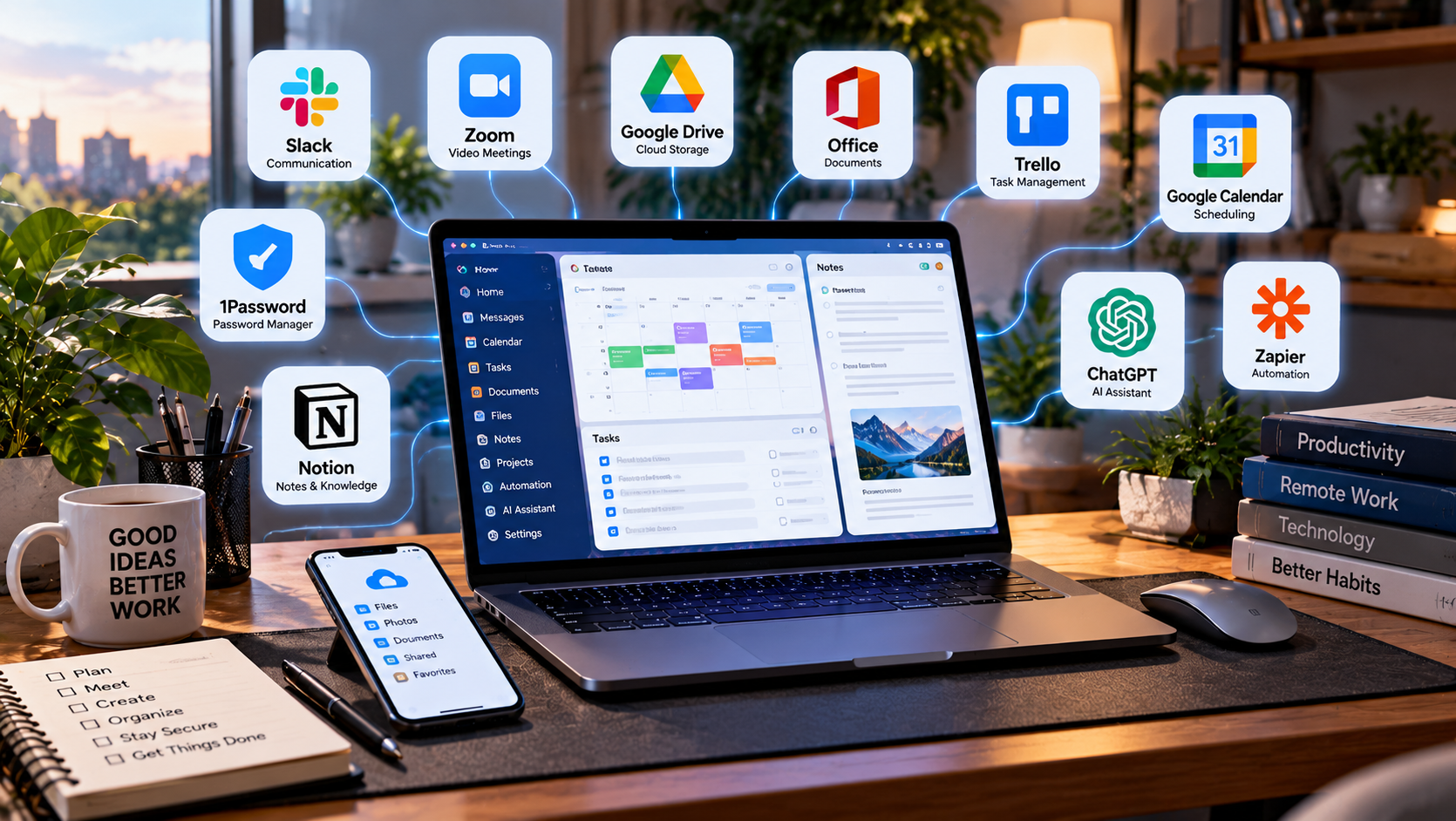
Remote work can be much easier with the right software, but that does not mean you need dozens of apps or expensive subscriptions. A simple set of reliable tools can handle communication, meetings, documents, file sharing, task management, security, and most everyday work.
The best setup depends on the type of work you do and whether you work independently or as part of a team. Instead of installing every popular productivity app, focus on software that solves problems you actually encounter.
Communication Tools
Remote teams need a reliable way to communicate without depending entirely on email. Messaging platforms can organize conversations into channels, groups, or direct messages and make quick discussions easier.
When choosing a communication tool, consider search quality, notifications, file sharing, integrations, and whether conversations remain easy to organize as the team grows.
For independent workers, a dedicated workplace messaging platform may not be necessary if clients already use email or another established communication method.
Video Conferencing Software
Video conferencing remains important for meetings, interviews, presentations, and collaboration between people working in different locations.
Useful features may include screen sharing, meeting recording, virtual backgrounds, captions, chat, and calendar integration.
Before paying for a plan, check meeting duration limits, participant limits, recording options, and whether the people you regularly communicate with already use a particular platform.
Cloud Storage
Cloud storage allows files to remain accessible across multiple devices and makes sharing documents with coworkers or clients easier.
Automatic synchronization can also reduce the risk of important files existing on only one computer.
Consider storage capacity, sharing permissions, version history, security features, and how well the service integrates with the software you already use.
Office and Document Software
Most remote workers need software for creating documents, spreadsheets, presentations, or other common files.
Cloud-based office platforms can make collaboration easier because multiple people can work on the same document and changes can be synchronized automatically.
However, desktop applications may still be preferable for complex documents, advanced spreadsheet work, or situations where reliable offline access is important.
Task and Project Management
Task management software can help organize deadlines, responsibilities, projects, and recurring work.
Simple to-do lists may be enough for individuals, while teams may benefit from shared boards, timelines, assignments, comments, and project dashboards.
The most useful system is usually one that people consistently update. A complicated project management platform provides little value if the team avoids using it.
Calendar and Scheduling Tools
A well-organized calendar can be one of the most useful remote work tools. It helps manage meetings, deadlines, focused work sessions, and availability across different schedules.
Scheduling tools can also reduce the number of messages required to find a meeting time by allowing other people to choose from available time slots.
Before adding another scheduling service, check whether your existing calendar already provides the features you need.
Password Managers
Remote work often involves accounts for email, cloud storage, communication platforms, business software, and other services.
A password manager can help create and store unique passwords instead of reusing the same password across multiple accounts.
When available, additional account protection such as multi-factor authentication can provide another layer of security for important services.
Note-Taking and Knowledge Tools
Note-taking software can help organize meeting notes, research, ideas, instructions, and reference information.
Some platforms focus on quick personal notes, while others provide databases, shared workspaces, linking systems, or team knowledge bases.
Choose based on how you actually retrieve and organize information rather than how many advanced features the platform offers.
Time Tracking Software
Time tracking can be useful for freelancers, consultants, contractors, and anyone who bills clients based on hours worked.
It can also help people understand how much time different tasks consume.
Not everyone needs time tracking software, however. If your work is measured by completed projects or results rather than hours, another productivity system may be more useful.
Automation Tools
Automation software can connect different services and reduce repetitive work. For example, an automation might save an email attachment to cloud storage, create a task from a form submission, or send information between business applications.
Automation becomes most valuable when you identify a repetitive process first and then automate it.
Creating complicated automations for tasks you rarely perform can require more maintenance than the time they save.
AI Assistants
AI assistants can support remote work by helping with drafting, summarizing, brainstorming, research, document analysis, coding, and other tasks.
Their usefulness depends heavily on your workflow and the quality of the information they receive.
Always review important AI-generated work before using or sharing it, and consider company policies and privacy requirements before providing sensitive business information to an AI service.
Do You Need Paid Software?
Many remote workers can build a capable setup using free plans, especially when working independently or in small teams.
Paid subscriptions become more useful when you need additional storage, larger meetings, advanced permissions, automation, administrative controls, or other professional features.
Before upgrading, identify the specific limitation that the paid plan will remove. This makes it easier to determine whether the subscription provides enough value.
Avoid Too Many Overlapping Tools
One of the easiest ways to make remote work more complicated is to use several applications that perform the same function.
Multiple communication platforms, task managers, calendars, or note-taking systems can scatter information across different locations and make it harder to find what you need.
Whenever possible, reduce overlap and choose a smaller number of tools that work well together.
A Simple Remote Work Setup
For many people, a practical remote work setup only needs a few categories of software: communication, video meetings, cloud storage, documents, task management, a calendar, and secure password storage.
Additional tools should solve specific problems rather than being added simply because they are popular.
Start with the essentials and expand your software setup only when your workflow clearly requires something new.
Wondershare PDFelement: A PDF Tool for Remote Work
Wondershare PDFelement is a PDF editing tool designed for people who regularly work with digital documents. It offers features for editing, converting, and organizing PDF files, making it an option worth considering for remote professionals, freelancers, and small businesses.
Before choosing a paid plan, compare its features, pricing, and compatibility with your devices to determine whether it fits your workflow.
Affiliate disclosure: This article contains affiliate links. We may earn a commission if you purchase through these links, at no additional cost to you.
Explore Wondershare PDFelement
Final Thoughts
The best remote work software setup is not necessarily the one with the most applications. It is the one that allows you to communicate, organize your work, access important files, and complete tasks with as little unnecessary friction as possible.
Choose tools based on your actual workflow, take advantage of free plans when they meet your needs, and periodically review your subscriptions. Removing software you no longer use can be just as valuable as discovering a new tool.
One response to “Essential Software for Remote Work: What You Actually Need”
[…] remotely? Choosing the right productivity tools is only part of the equation. Explore our guide to essential software for remote work to discover other useful tools for your daily […]