
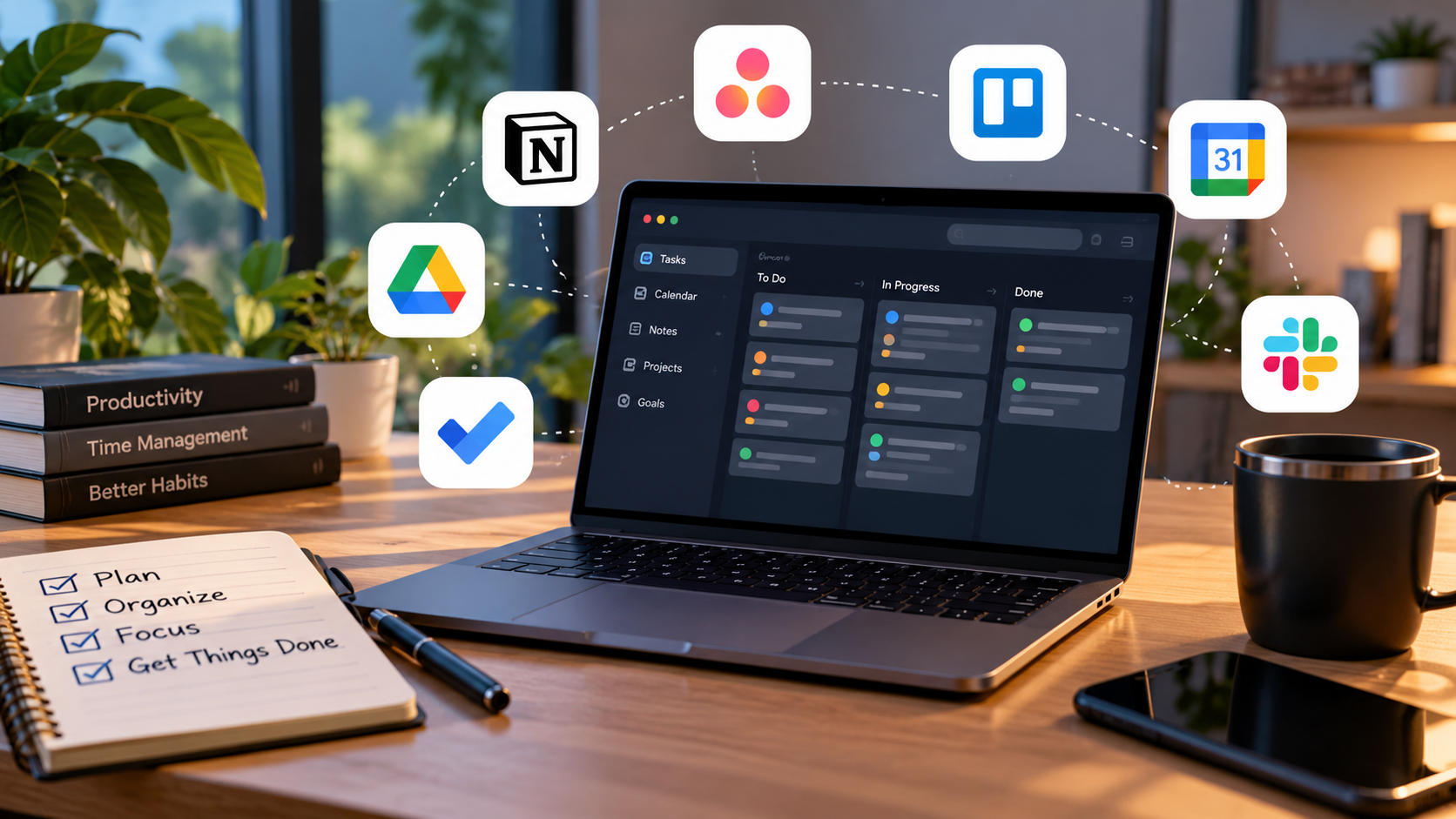
Choosing the right productivity software can make everyday tasks easier to organize, track, and complete. But with so many apps available for notes, projects, calendars, communication, and automation, the best option depends less on popularity and more on how well a tool fits your actual needs.
Before paying for a subscription or moving your work into a new platform, it helps to understand what problem you want the software to solve. This guide walks through the most important factors to consider when choosing productivity software.
Start With the Problem You Want to Solve
Before comparing apps, identify what is currently slowing you down. You might need a better way to manage tasks, organize notes, plan projects, schedule your time, collaborate with others, or keep information in one place.
Defining the problem first makes it easier to ignore features you do not need and focus on software that can genuinely improve your workflow.
Identify the Features You Actually Need
Productivity tools often advertise long lists of features, but more features do not necessarily make an app better for you. Create a short list of capabilities that matter most to your routine.
For example, you might prioritize recurring tasks, calendar integration, cloud synchronization, collaboration, reminders, file attachments, automation, or offline access. Separating essential features from optional ones can make comparisons much easier.
Consider Ease of Use
A powerful productivity app is not very useful if it is so complicated that you avoid using it. Look for software with an interface and workflow that feel intuitive to you.
Some people prefer simple tools that require almost no setup, while others benefit from customizable systems. Free trials and free plans can be useful for testing whether an app feels comfortable before committing to it.
Check Device and Platform Compatibility
Consider where you expect to use the software. If you regularly switch between a computer, smartphone, and tablet, reliable synchronization across those devices can be important.
Check whether the software supports the operating systems you use and whether important features are available on both desktop and mobile versions.
Compare Free and Paid Plans
Many productivity apps offer several pricing tiers. A free version may be enough for individual use, while features such as additional storage, advanced automation, larger teams, or integrations may require a paid subscription.
Compare what is included in each plan instead of focusing only on the monthly price. Also consider whether annual billing offers savings and whether you would realistically use the premium features.
Look at Integrations
The right integrations can reduce repetitive work by allowing different tools to share information. Depending on your workflow, useful integrations might include calendars, email, cloud storage, communication platforms, or automation services.
However, having hundreds of available integrations is not automatically an advantage. Focus on whether the software connects with the tools you already use.
Consider Collaboration Features
If you work with other people, collaboration can become an important part of the decision. Features such as shared projects, comments, permissions, assignments, and real-time editing can make teamwork easier.
For personal productivity, these features may be unnecessary, so avoid paying extra for collaboration tools you are unlikely to use.
Think About Privacy and Data
Productivity software can contain personal notes, documents, schedules, and work information. Before relying heavily on a service, review what data it stores, what security options are available, and whether you can export your information.
Being able to export your data can also make it easier to switch services later if your needs change.
Test the Software Before Committing
Reading feature lists and reviews can help narrow your choices, but actually using an app is often the best way to determine whether it fits your workflow.
When possible, use a free plan or trial for several days. Try completing the same tasks you normally perform and pay attention to whether the software makes those tasks simpler or introduces additional friction.
Choose for Your Workflow, Not for Popularity
Popular productivity software can be excellent, but the most widely used option is not automatically the best one for everyone. A simple tool that matches your habits may be more useful than a sophisticated platform filled with features you rarely touch.
The goal is to find software that supports your workflow rather than forcing you to completely redesign it around the software.
A Practical Example: Wondershare PDFelement for PDF Productivity
Wondershare PDFelement is one example of software designed for document-focused workflows. If your daily tasks involve reviewing PDFs, editing documents, or converting files, a dedicated PDF tool may help you manage those activities more efficiently.
However, not everyone needs a paid PDF editor. Before choosing PDFelement, consider how frequently you work with PDFs, which features you actually need, and whether a free alternative would be sufficient.
Affiliate disclosure: This article contains affiliate links. We may earn a commission if you purchase through these links, at no additional cost to you.
Explore Wondershare PDFelement
Working remotely? Choosing the right productivity tools is only part of the equation. Explore our guide to essential software for remote work to discover other useful tools for your daily workflow.
Final Thoughts
The right productivity software should help you spend less time managing your system and more time completing the work that matters. Start by identifying your needs, compare the features and pricing that are relevant to you, and test promising options before committing.
Your needs may also change over time, so the software you choose today does not have to be permanent. The best productivity setup is one that remains useful, manageable, and flexible as your routines evolve.
One response to “How to Choose the Right Productivity Software for Your Needs”
[…] If you’re also exploring tools to improve your daily workflow, check out our guide on how to choose the right productivity software for your needs. […]